 Natalie Sullivan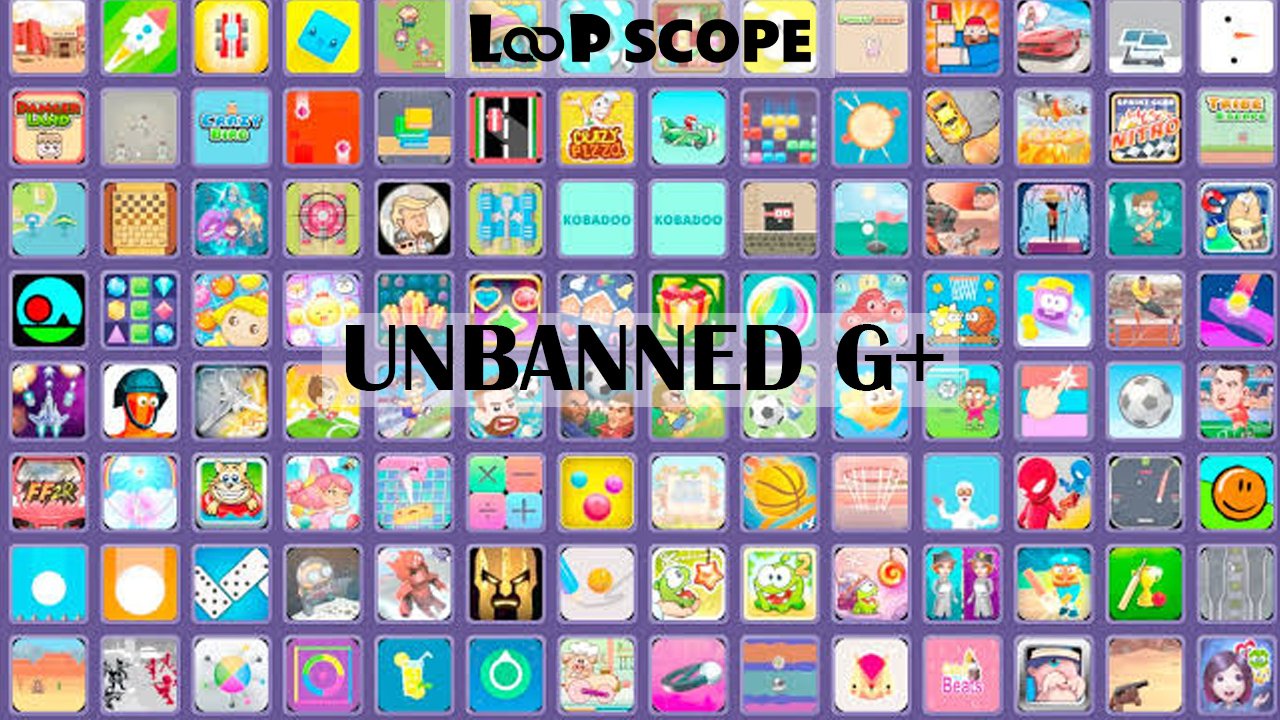
If you have heard classmates whisper about “unbanned g+” during study hall, you are not alone in wondering what it actually is. The name sounds like a social network or an account feature, but it usually points to something simpler: a collection of free browser games that students look for when their school network blocks regular gaming sites.
This article explains what unbanned g+ means, how it works on a school network, and where the real risks and rules sit. It is written for students, parents, and teachers who want a straight answer rather than hype.
What Is Unbanned G+?
Unbanned G+ is a nickname for a type of website that offers free, browser-based games and is promoted as “unblocked,” meaning it is meant to load on networks that filter most gaming sites. The “G+” part appears to stand for games, and sites using the label typically collect small web games that run directly in a browser tab.
It helps to be clear about what the term does not describe. It is not an official product from a major company, and it is not a single verified website with one owner. Different pages use the same words, and what you find under that name can vary a lot from one site to the next. That inconsistency is one of the biggest things to keep in mind as you read on.
Search results for the phrase reflect the confusion. Some pages treat it as a way to restore a banned Google+ account, others describe it as a decentralized social platform, and others describe a school games portal. Many of these pages are low-quality and make claims they cannot support. The meaning that best matches how students actually use the phrase is the games one, so that is the focus here.
Why Schools Block Games and Where the G+ Name Comes From
Schools filter their networks for ordinary reasons. Administrators want students on task, they need to protect bandwidth, and they are often required to limit access to inappropriate material. This kind of filtering is commonly called content-control software, and nearly every district uses some form of it. Games are a frequent target because they distract from lessons and can pull in heavy ads and tracking.
The “G+” label likely borrows from the old Google+ social network, which Google shut down for consumers in 2019. That history is why many people assume the name has something to do with accounts or bans. It does not. A game portal using the label has no connection to the retired network, and the word “unbanned” is just a marketing hook meaning “this site should not be blocked.” Rules and oversight look quite different from one field to another, and a page such as this overview of Statens Luftfartsvæsen shows how regulators are described in other settings, while this broader regulatory overview is a reminder that every organization sets and enforces its own boundaries, including your school.
How Unbanned G+ Works at School
The mechanics are not complicated. Most of these sites are ordinary web pages that load games inside your browser. You do not download anything or install an app. You open a link, pick a title, and it runs.
Browser-Based Games, No Installation
Most titles are built with web technologies, so they run on almost any laptop or Chromebook that has a modern browser. Because nothing gets installed, students do not need administrator permission to try them, and that is a big part of the appeal. It is also why school IT teams cannot manage them the way they manage installed software.
Why Some Game Pages Load When Others Do Not
School filters generally work from lists and categories. A filter might block known gaming domains and categories, but a newly created page that has not been categorized yet may not appear on any list. That gap is usually what “unblocked” means in practice. It does not mean the site has special powers. It means the site has not been flagged yet.
This is also why such pages tend to disappear. Once an IT department notices the address, it adds it to the blocklist, and the page stops loading. Students then look for the next one, and the cycle repeats. Sites that rely on this pattern often change addresses or appear under slightly different names, which is part of why the “unbanned g+” label points to so many different pages.
What Happens Behind the Scenes
A network filter only sees where your device is trying to connect and, in some setups, which category that destination belongs to. When a game page is hosted somewhere that looks harmless or uncategorized, the filter may let it through. Schools that use stricter, allowlist-style settings, where only approved sites work, block nearly everything like this by default.
What Kinds of Games Do These Sites Usually Offer?
Collections that use the unbanned g+ label tend to focus on short, simple games that load fast. The mix usually includes:
- Arcade and reflex games: quick rounds you can finish in a minute or two.
- Puzzle and logic games: sliding tiles, matching, and word-style challenges.
- Racing and runner games: endless runners and simple driving titles.
- Sports games: basic versions of basketball, soccer, and similar sports.
- Retro-style titles: simple pixel games that remind players of older consoles.
Some pages claim huge libraries with hundreds of titles. Treat those numbers cautiously, since there is no independent way to verify them, and many listings are copied from other sites. Quality varies, and some games are broken, buried in ads, or simply clones of better ones.
Does Unbanned G+ Work on a School Chromebook?
Sometimes, yes, but there is no guarantee. Chromebooks issued by schools are usually managed through an administrative console, which lets the district control what students can open. Since these games run in the browser, they can technically load on a Chromebook if the page is not blocked.
In practice, results depend on how the school configured the device. Some districts filter by category, some by individual address, and some restrict browsing to a short list of approved pages. A page that works at one school may be blocked at the next. On top of that, managed Chromebooks often log activity, so a student’s browsing history may be visible to the district even when a page loads.
Is Unbanned G+ Safe for Students?
Safety depends on the specific site, and most pages carrying this label are not vetted by anyone. That does not mean every page is harmful, but it means nobody has promised that it is safe. The main concerns fall into a few groups.
Ads and Pop-Ups
Free game pages make money from advertising, and unvetted sites often use aggressive ad networks. Students can run into misleading buttons, fake “download now” banners, or ads aimed at adults. Younger kids are especially likely to click without thinking.
Privacy and Data Collection
Some sites collect information through trackers, cookies, and third-party scripts. Without a clear privacy policy, you cannot tell what is gathered or who receives it. Never enter a real name, school login, or email address on a game page that asks for one.
Malware and Scams
The biggest risk shows up when a page pushes visitors to download a file, install a browser extension, or “update” something to keep playing. Legitimate browser games do not need any of that. If a page asks, close it. School-managed devices can also be affected, which creates a headache for the whole district.
A sensible rule of thumb: if a site makes you leave the browser tab to do anything, it is not worth the risk.
Can You Get in Trouble for Using It at School?
Yes, it is possible. Most schools have an acceptable use policy that students agree to at the start of the year, and playing games on school devices or networks during class time often violates it. Consequences vary by school. Some districts issue a warning, while others restrict device privileges or notify parents.
A few things make trouble more likely. Activity on managed devices can be logged. Repeated attempts to reach blocked sites can show up in reports. And using a school account to sign in anywhere outside approved services can raise additional flags.
The simplest approach is to treat school networks as a tool for schoolwork and save games for home. If a teacher allows educational games during certain times, that is a different situation, and the games they approve are far safer than anything found through a random search.
Tips for Parents and Teachers
Adults do not need to be alarmed, but a little awareness helps.
For parents: Ask your child what sites they use, and keep the tone curious rather than accusing. Check whether the device at home has its own parental controls. Remind kids that free sites are not automatically safe, and that no legitimate game requires a download from an unknown source.
For teachers: Build short, structured break time into the day if your school allows it, using approved educational game sites. Students are less likely to hunt for workarounds when they have a sanctioned outlet. Share the school’s acceptable use policy in plain language so students understand the reasoning, not just the rule.
For both: Talk about how to evaluate a website. Does it have a privacy policy? Does it push downloads? Does it look like a copy of another site? These questions are useful well beyond games.
How to Judge Any Free Games Site
Whether a page uses the unbanned g+ label or another name, a short checklist helps you decide whether to trust it:
- Look for an identifiable owner. A real contact page and a privacy policy are good signs.
- Watch for download prompts. Browser games should run in the browser.
- Check the ad behavior. Constant pop-ups and redirects point to a poor-quality site.
- Be wary of sign-ins. A simple game does not need your email or school account.
- Notice copycat pages. Dozens of near-identical sites often signal scraped, low-effort content.
None of these steps takes long, and they reduce the chance of a bad experience considerably.
Conclusion
Unbanned g+ is best understood as a label rather than a single product. It generally refers to collections of free browser games promoted as unblocked, and it has no real connection to the old Google+ network despite the name. At school, these pages work only when the network filter has not yet flagged them, which is why they come and go.
The practical takeaways are simple. Results on school Chromebooks are unpredictable, safety varies from site to site, and using games during class can break school rules even when a page loads. For students, the safest choice is to follow the school’s policy and play at home. For parents and teachers, open conversation and approved alternatives work better than a total ban.
Frequently Asked Questions
What does unbanned g+ mean?
It is a nickname for free browser game collections marketed as unblocked, and it is unrelated to the retired Google+ social network.
Is unbanned g+ an official Google product?
No. There is no evidence that Google makes or runs it, and pages using the name are operated by unknown parties.
Does unbanned g+ work on school Wi-Fi?
It can, but only if the school filter has not blocked that specific page. Many pages stop working once the IT team notices them.
Is unbanned g+ safe to use?
Not reliably. The pages are not vetted, and risks include aggressive ads, trackers, and prompts to download files.
Can school administrators see what I play?
Often, yes. Managed Chromebooks and school networks commonly log browsing activity, so history may be visible to the district.
Will I get in trouble for playing games at school?
Possibly. Many schools treat gaming on school devices as an acceptable use violation, and consequences depend on local policy.
Are there safer alternatives?
Yes. Ask a teacher about approved educational game sites, or save casual gaming for home devices.